SurePass Credentials
3 min read
What is a SurePass credential?
A SurePass credential is a verified digital or physical credential that proves your identity and official capacity. Your agency or organization issues credentials to you — each one is tied to your verified identity and cannot be transferred.
SurePass credentials come in four forms: a Mobile Wallet Pass stored in your phone's wallet, QR code in your mobile app, a SureCard physical card, and a SureTag sticker. You may be issued one or more depending on your agency's deployment.
Mobile Wallet Pass
Digital
|
|
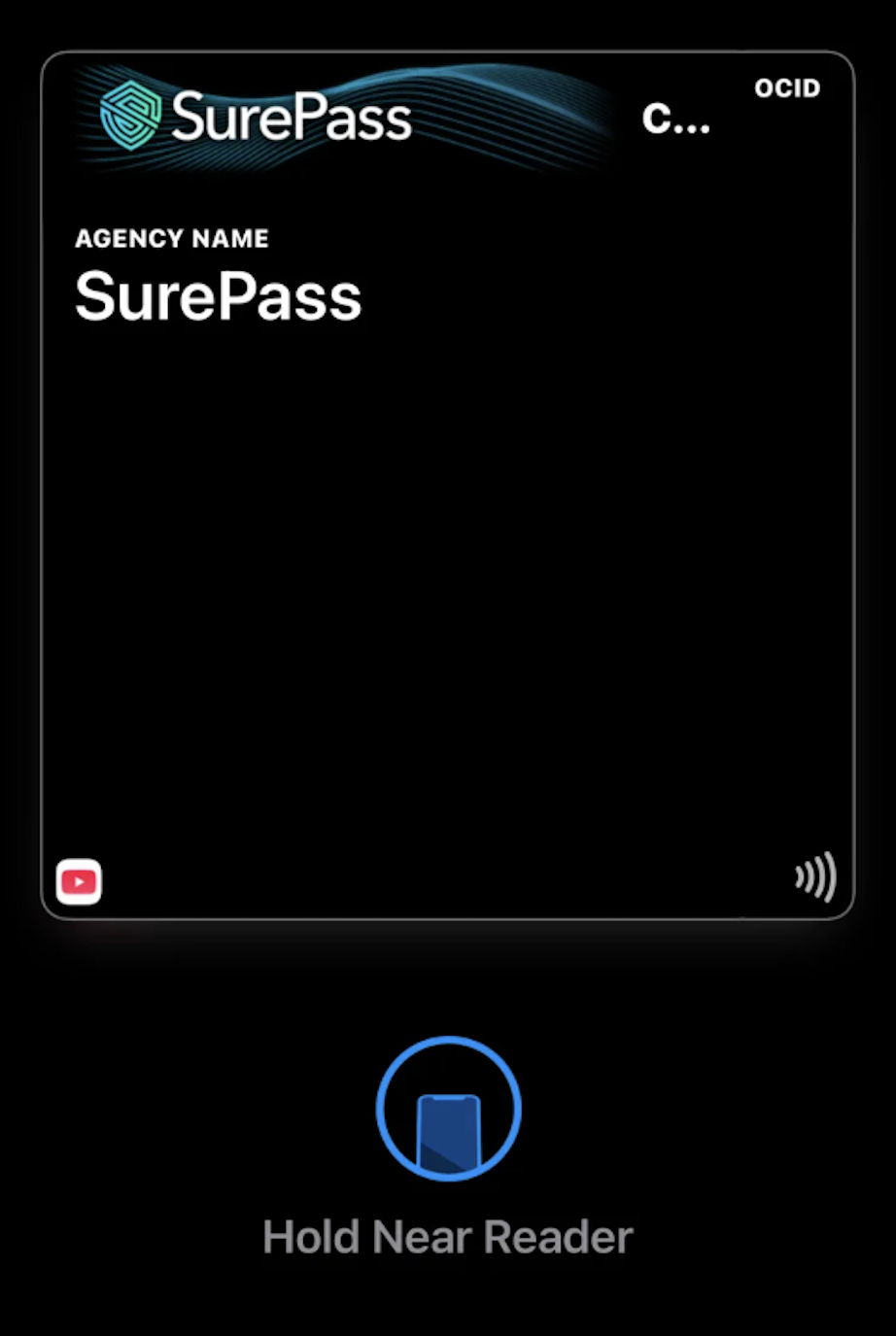
Your Mobile Wallet Pass is a digital credential that lives in your phone's native wallet - Apple wallet on iphone, or Google Wallet on Android. It is tied to your verified agency identity. It can be used at SurePass - enabled checkpoints for quick verification.
The OCID is added to your wallet through the SurePass mobile app. Once added, you can present it at checkpoints directly from your lock screen - no need to open the app each time.
|
📲 Apple Wallet & Google Wallet 🔒 Verified agency identity ⚡ Lock-screen access
SureCard
Physical
|
|
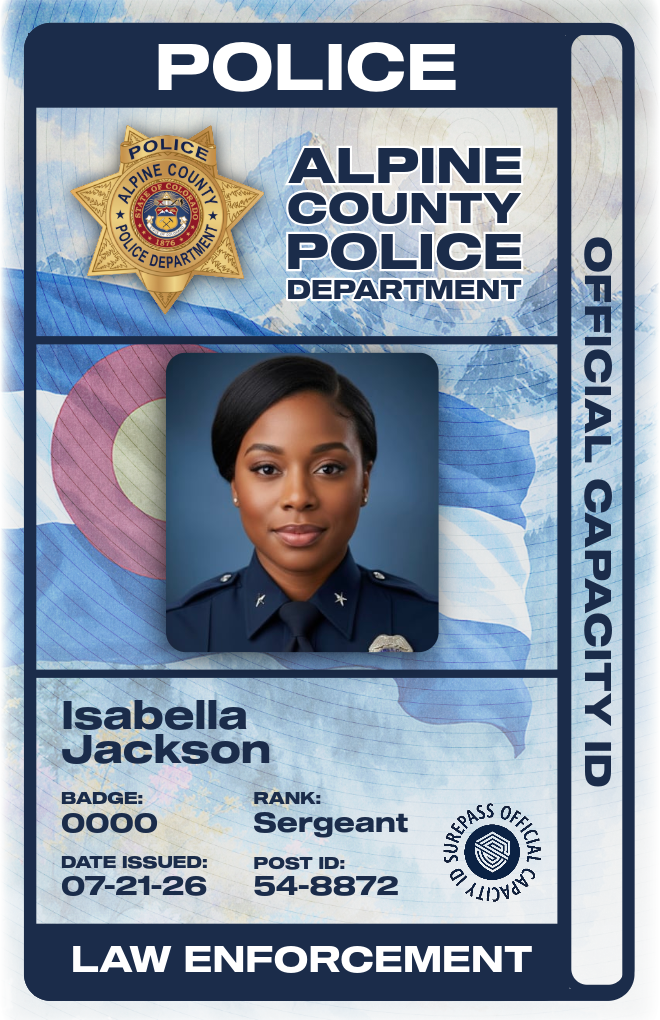
A SureCard is a physical card containing embedded SurePass technology. It looks and feels like a standard ID or access card and is issued directly by your agency. To use it at a checkpoint, simply tap or hold the card against the SurePass reader.
Before a SureCard can be used, it must be activated through the SurePass mobile app. Activation links the card to your verified identity. An unactivated card will not work at readers.
|
🏢 Issued by your agency 📡 Tap-to-verify NFC ✅ Requires activation
SureTag
Physical
A SureTag is a sticker containing embedded SurePass technology that can be affixed to another object - most commonly an existing ID card, badge.
Like SureCards, SureTags must be activated through the SurePass mobile app before they can be used. They use the same tap-to-verify NFC technology as SureCards.
📌 Attaches to existing IDs 📡 Tap-to-verify NFC ✅ Requires activation
QR Code Credential Card
Digital
|
|
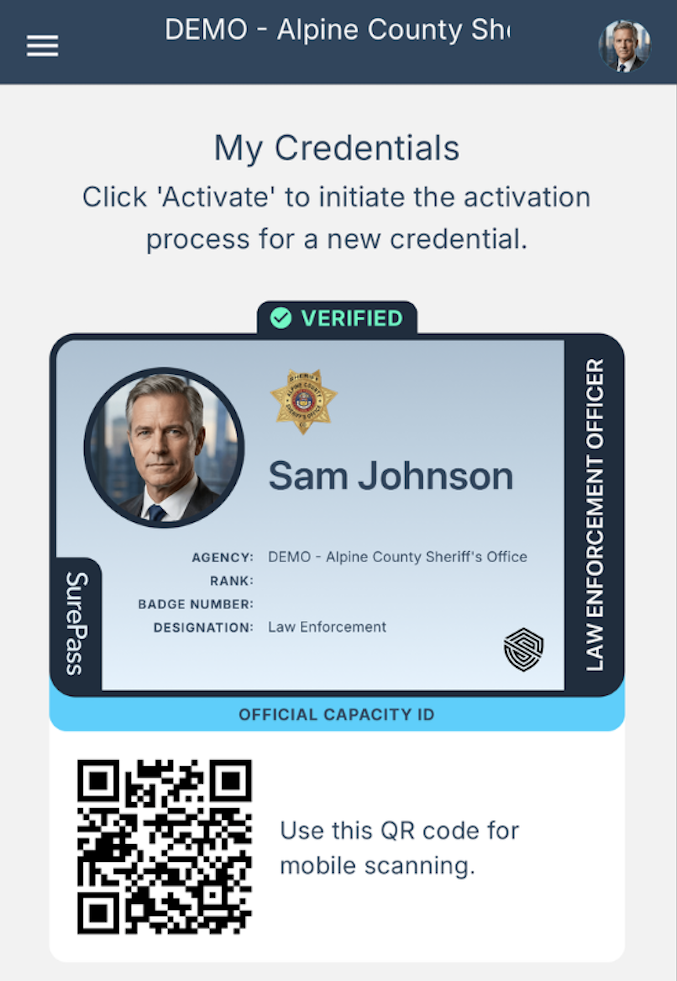
A QR Code Credential is a digital credential that is accessible directly from the SurePass Mobile app. Your QR code is generated within the app and can be presented and scanned at SurePass-enabled checkpoints.
Unlike the Mobile OCID, the QR Code credential lives inside the SurePass app rather than your phone's native wallet. Open the app, navigate to 'My Credentials', and display the QR code to be scanned at the checkpoint.
|
📱 Accessible from the mobile app 🔳 Scannable at checkpoints ⚡ No wallet required
At a glance
| Credential |
Form factor |
Requires activation |
Works at checkpoints |
| Mobile Wallet Pass |
Digital — phone wallet |
— Ready to Use |
✓ Yes |
| QR Code |
Digital — mobile app |
— Ready to Use |
✓ Yes |
| SureCard |
Physical card |
✓ Yes |
✓ Yes |
| SureTag |
Sticker on existing ID |
✓ Yes |
✓ Yes |

